A menu on every page, and a dashboard that tells you what's waiting
Prilet now has a menu down the left of every page, with counts beside each item, and a dashboard that opens on what needs you instead of a wall of tiles.

If you ran a firm that both provides consultants and hires subcontractors, the old dashboard was about thirty tiles in four sections. When a badge appeared on one of them, finding which meant scrolling up and down looking for the red and yellow ones. And anything that wasn't in the short row of links across the top was reached through the dashboard, so moving from one of those pages to another meant going back to it first. It worked, in the way a filing cabinet works if you remember which drawer.
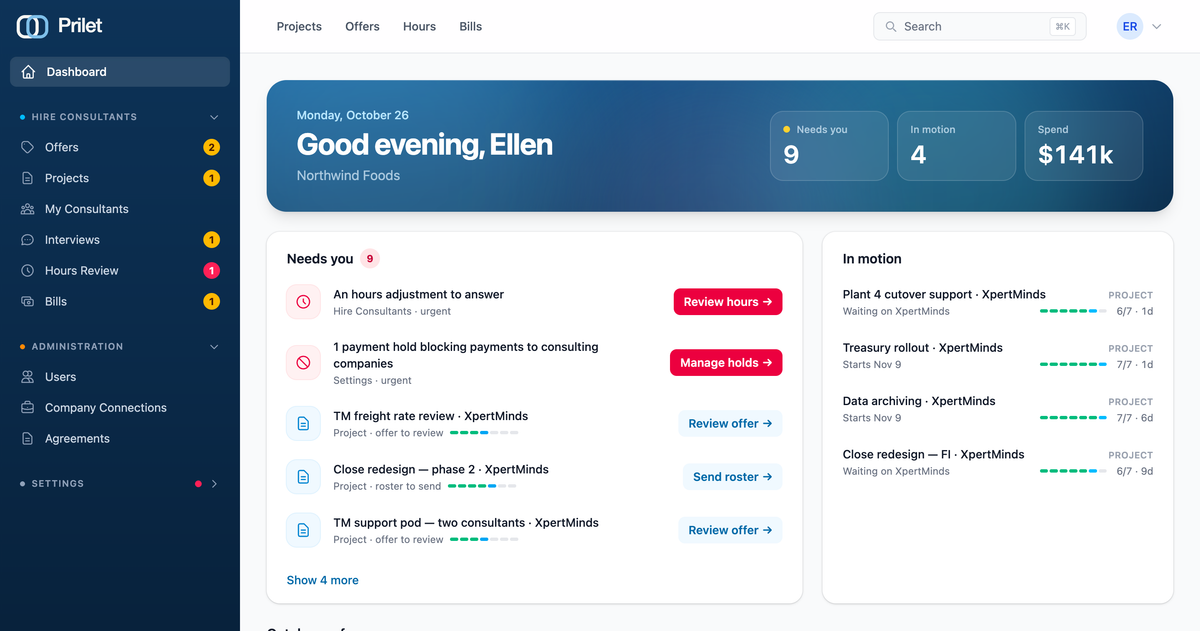
Everything those tiles led to is now a menu down the left of every page. The headings are the ones you already know (Provide Consulting, Hire Consultants, Administration), and the counts sit beside each item: red when it's urgent, amber when it wants attention. You can see what's waiting from wherever you happen to be, and move to the next page without a detour. Fold a section and it stays folded the next time you come back. The pages people visit a few times a year, such as company settings, payment methods, integrations and agreement templates, now live under a single Settings heading that starts folded. If something inside needs you, the heading shows a dot. On a phone, the menu opens from the button at the top left.
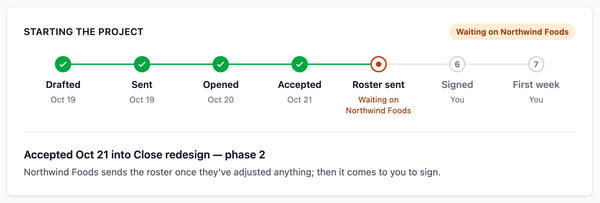
The dashboard itself has changed more. It opens with a greeting and three figures, each of which jumps to what it counts: how many things need you, how many are in motion with the other side, and this month's revenue or spend. Below that, "Needs you" is one list. Every count from the menu is written out as a line with the button to deal with it, so "2 bills overdue" comes with Pay bills and "An hours adjustment to answer" comes with Review hours. Firms waiting on your move are in there too: an offer to review, a roster to send, an invitation to answer. Urgent items come first, five are shown, and the rest are a click away.
Beside it, admins and managers who decide engagements get "In motion": the projects and new subcontractors where the other side has the move, with how far along each one is and how long it's been waiting. When nothing is under way, it isn't shown.
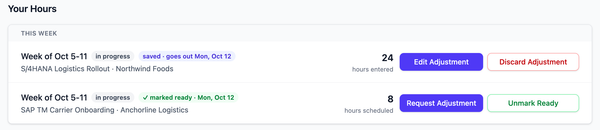
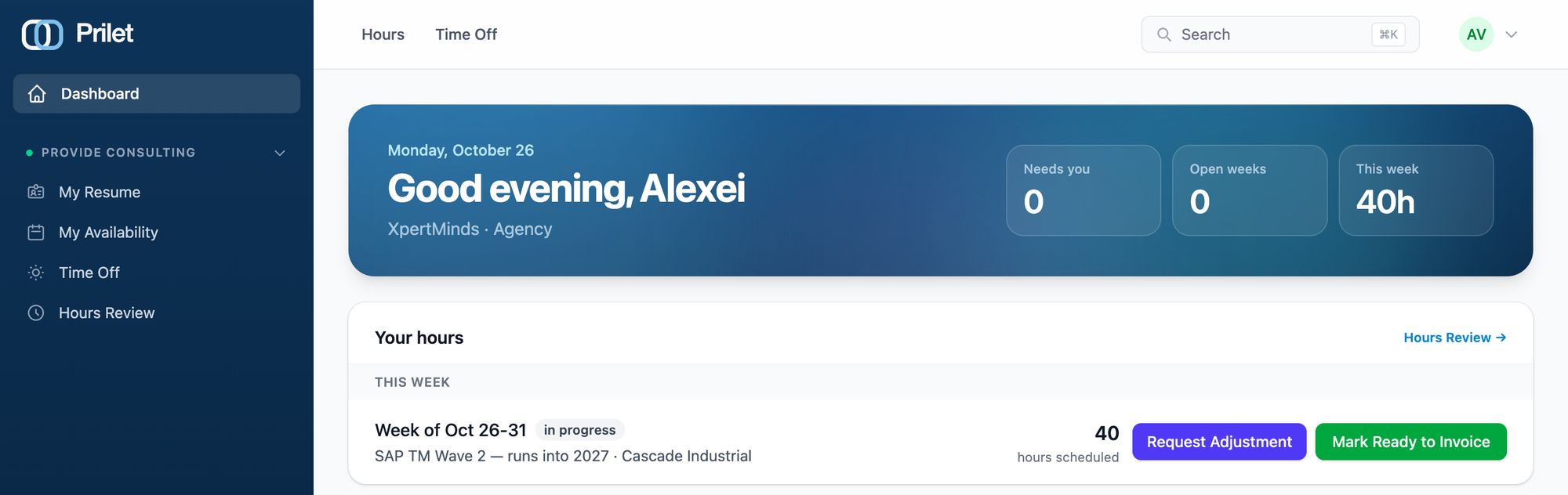
Consultants get the biggest change. Opening Prilet on a Monday to check your hours used to mean going to Hours Review and finding the week in the list. Now anyone who keeps their own hours gets a "Your hours" section, with every week still open to them and the current one. Each row has Request Adjustment and Mark Ready to Invoice on it. For a consultant whose job is mostly their own hours, the dashboard opens on this, and an empty "Needs you" isn't shown at all. The figures at the top are theirs, too: open weeks and this week's hours.
Further down is the month so far: revenue or spend against last month, hours, consultants with work and the year to date, now with twelve months drawn as a bar chart. The invoice runway sits with it, showing when the next invoices go out and what's waiting on whom. The figures are the ones you had before, placed below the things that need an answer rather than above them.
Nothing about permissions changed. Everyone sees what they saw before, organised differently. If you want to see where things went for your role, each of the role playbooks now draws that role's menu.