Auto-pay can now debit ACH invoices days early
Set how many business days before the due date ACH auto-pay debits, so the money arrives on time instead of days after it.

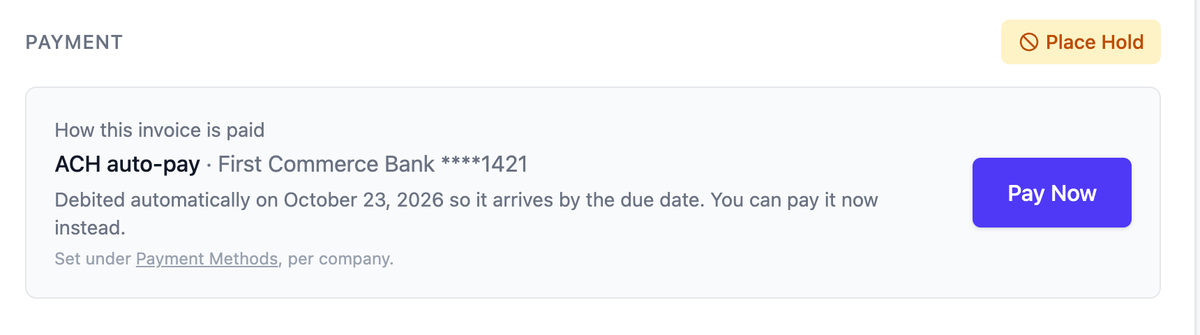
An ACH payment doesn't land the day it leaves your account. It takes a few business days to reach the company you're paying, and the first payment to a new company is the slowest, often a week or more. Auto-pay has always debited an invoice on its due date, which means your money left on time and your vendor waited days past the due date for it.
If that mattered to you, you probably did what a lot of finance teams did: kept ACH on demand, watched the calendar, and paid each invoice by hand a few days early. It works, and it's a chore that comes back every billing cycle. For some of you it's the reason auto-pay never got turned on.
You can now tell auto-pay to debit early. Pick a number of business days, and each auto-pay invoice is debited that many days before its due date. Business days here are days the banks are open, so weekends and bank holidays aren't counted, and "5" means five days the money can actually move. A change applies to invoices already waiting as well as new ones, and an invoice is never debited before it has been sent to you.
You don't have to guess when the debit will happen. The invoice page shows the day, and the invoice email says the same, so anyone on your side who gets asked can answer from the invoice itself.
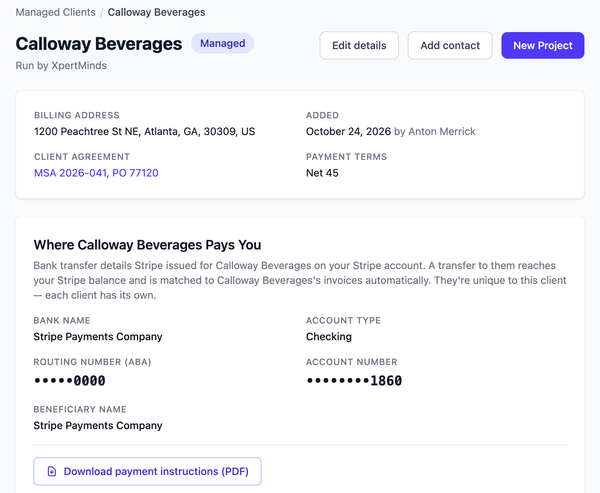
You set a default for all the companies you pay under Settings, Payment Methods. A new company that needs more lead time can have its own number, set on that company's agreement under How You Pay Them, while a long-standing one that's always arrived in three days can have a shorter one. Leave it blank and the company default applies. The setting is yours alone, and the companies you pay don't see it.
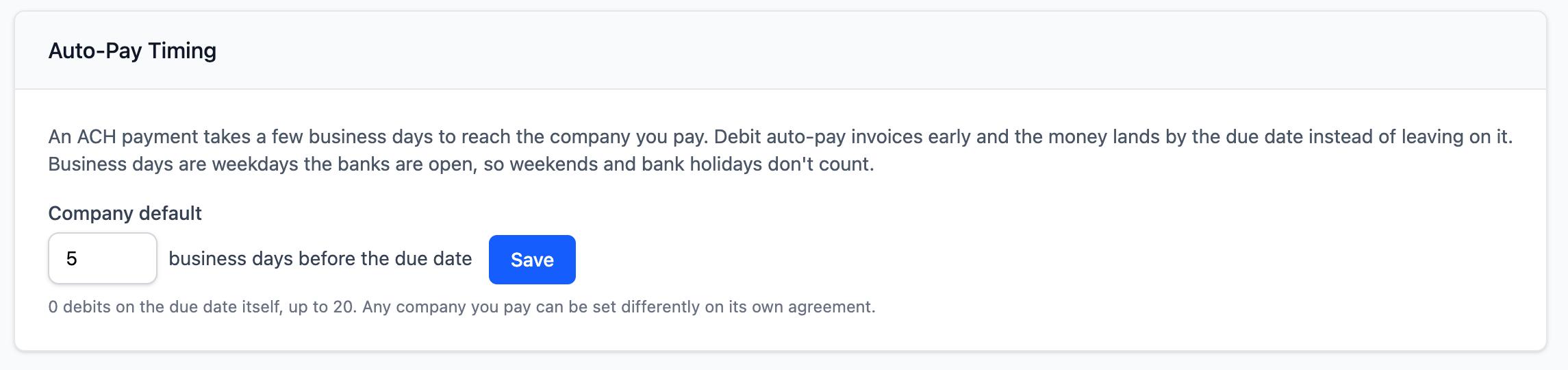
Nothing changes until you set it. The default is zero, the due date itself, which is how auto-pay has always worked. The setting only affects ACH auto-pay, so ACH on demand and bank transfer behave as before, and a payment hold still stops an auto-pay debit, including an early one. The Help Center has the details.
Also new
Enterprise clients often clear a backlog with a single wire and send the list of invoices separately, so the payment reference names none of them. Those payments used to sit waiting to be matched. Now, when a bank transfer equals, to the cent, the total remaining on all of a client's open invoices (at least two), Prilet matches it to all of them and marks them paid. It only does this for "all of them": a $10,000 payment against three $5,000 invoices fits more than one combination, so we don't guess.
If you read the hours and revenue (or spend) report to see how a period breaks down over time, custom ranges can now start and end on any day, not just whole weeks. A new Period tab splits the range by day, week, month, quarter or year, offering the units that suit its length and opening on the finest one that fits. A year's months are grouped into quarters with subtotals, and clicking a row opens that day, week or month on its own.
When a Prilet page won't load, the first question is whether it's you or us. status.prilet.com shows whether Prilet is up, with 90 days of uptime history, and it's linked from the footer of every page. It's hosted separately, so it stays reachable even when Prilet isn't.