Find Anything in Prilet From Wherever You Are
Press ⌘K or "/" on any page and jump straight to the invoice, client or page you have in mind.

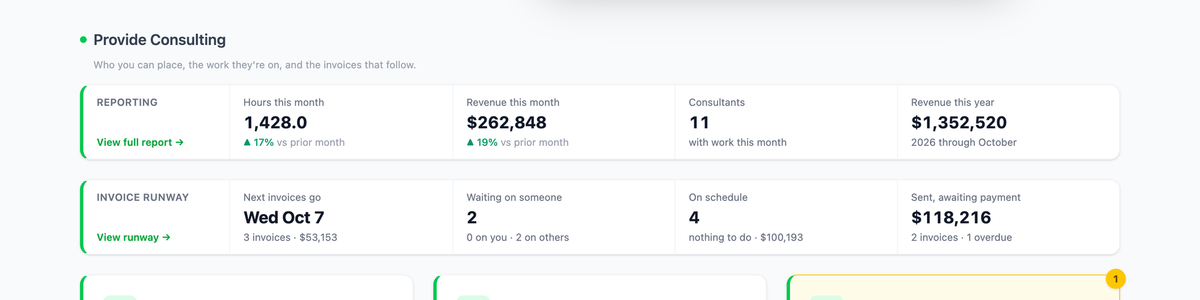
You've got an invoice number from an email, or a bank memo, or a client's name from a call, and you want the record it points to. Until now that meant opening the right list — Invoices, Projects, your team — and filtering or scrolling until you found it. There's now a faster way to close that gap, from wherever you happen to be in the app.
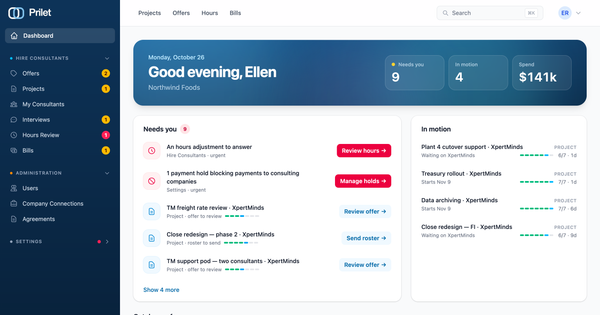
Every page has a search box at the top once you're signed in. On a phone it's a magnifying-glass button that opens full-screen search. From a keyboard, ⌘K (Ctrl+K on Windows), or just "/" when you aren't typing in a field, puts you straight into it, no matter what you were looking at a second ago. Results come up as you type, and the arrow keys and Enter open one without touching the mouse.
It covers the records you'd actually be chasing: invoices, by their full number or just the digits at the end — type "21" and INV-2026-000021 turns up — or by the other company's name; the clients and firms you have agreements with; assignments, by the consultant, the role, the project or the company; projects; and, if you manage them, team members. It also finds pages, and sections of the Help Center, opening right at the relevant section rather than the top of the page.
Page results come with a trail using the same names as the dashboard, such as "Provide Consulting › Invoices › Invoice Runway" or "Administration › Receive Payments", so a result doubles as a map for the next time you need that page. The search also understands the word you'd actually reach for rather than the page's official title: "payouts" finds Receive Payments, "PTO" finds Time Off, "qbo" finds QuickBooks. Punctuation doesn't matter either; "s4hana" gets you to "S/4HANA Finance Conversion" just fine.
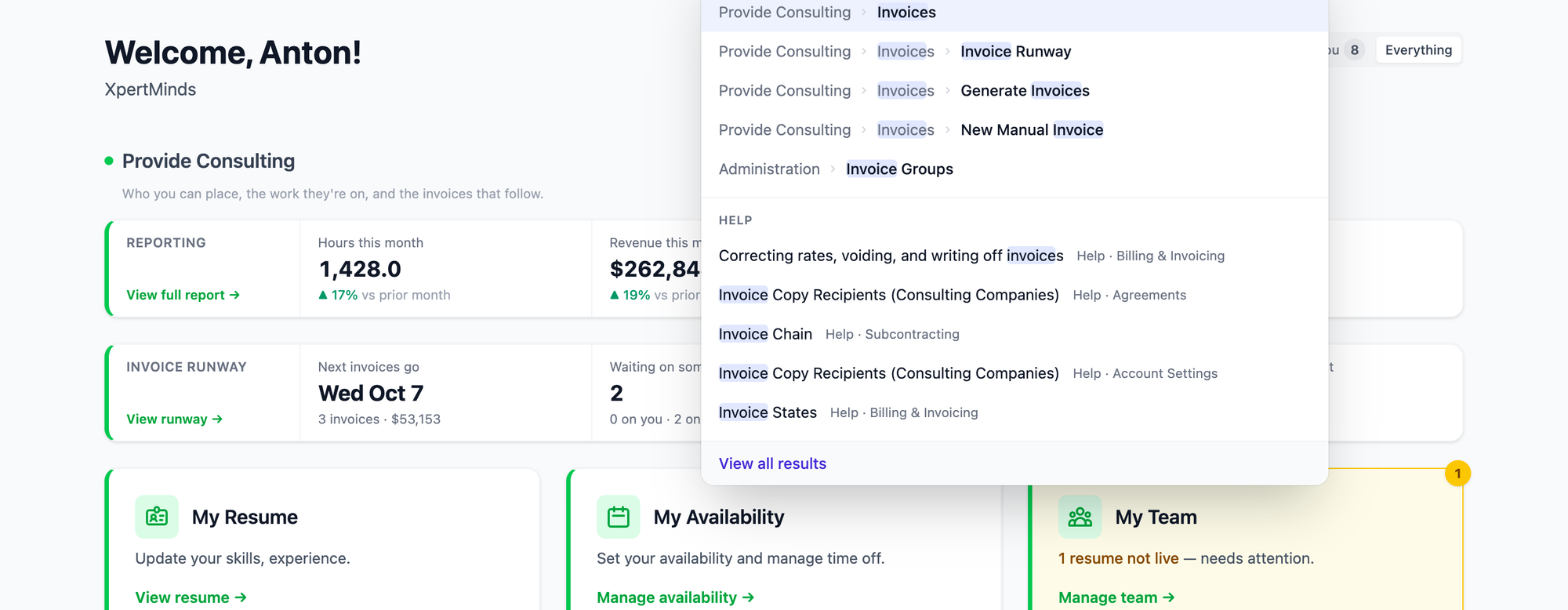
What comes back is always something you could already open on your own. A consultant finds their own assignments and pages; a client finds its own bills, and an invoice once the firm has sent it. Leave the box empty and it shows what you last opened from it, so the things you reach for often are a couple of keystrokes away before you type anything.
There's more in the Help Center, under "Searching and jumping to a page."