See what a project has spent against its budget

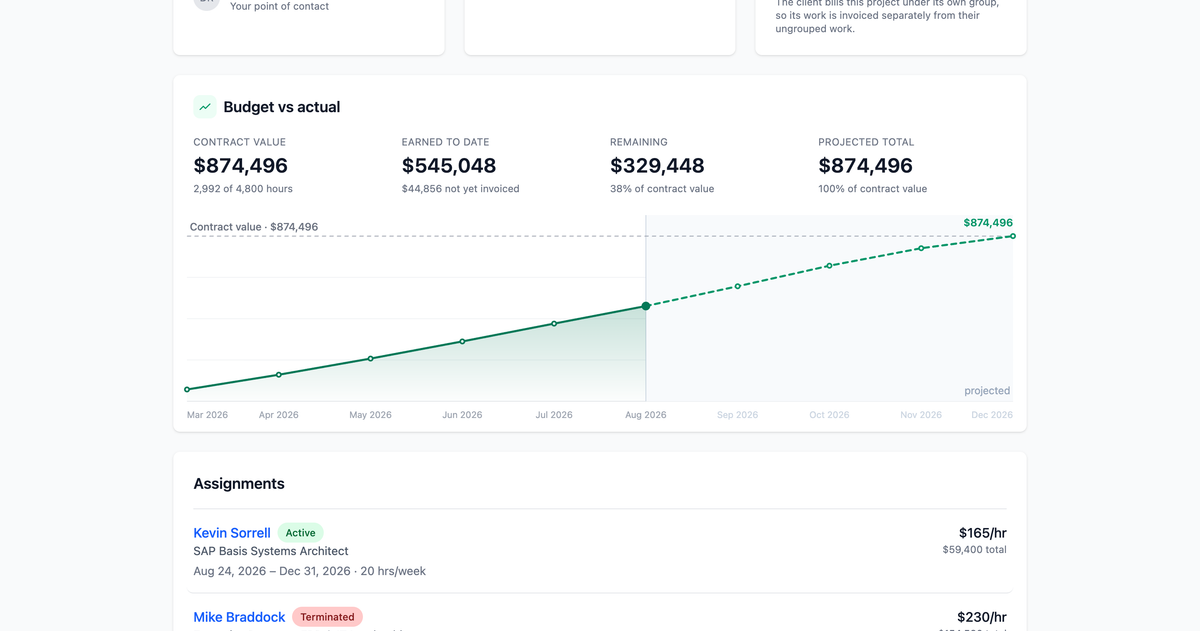
A project has a budget. Knowing whether you're inside it shouldn't require exporting anything to find out.
See what a project has spent against its budget
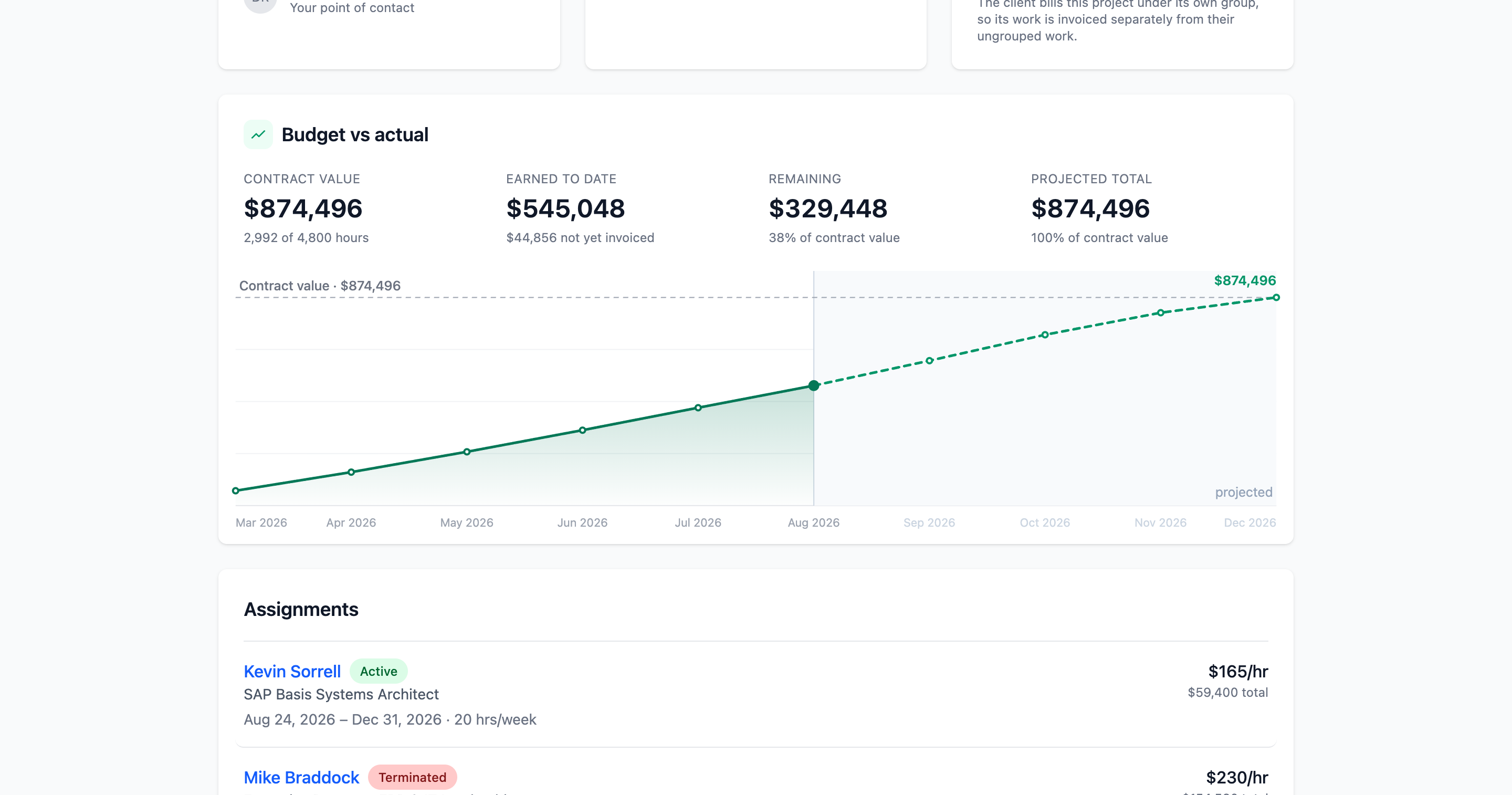
A project with a contract value now shows Budget vs Actual: what's been earned to date, where the engagement is projected to land if the remaining scheduled work bills as expected, and what's left of the contract. Every point on the chart names its month and amount on hover, and the month still in progress is drawn as part fact and part forecast, because that's genuinely what it is — a billing week only exists once it's ended, so the current month is settled on exactly one day of it. Visible to whoever can see financials on the project. Projects.
The adjustment window is 48 hours, and says so
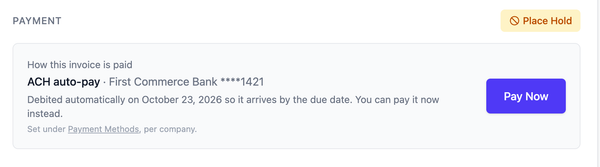
The window to request an hour adjustment is 48 hours, and weekends and holidays don't count against it. It used to be described as "2 business days," which different people read differently depending on which day their week started. The deadline now appears on the billing week itself, in a fixed time rather than one that shifts with whatever timezone your browser happens to be set to.
Also shipped
- Every hours screen names the project the work belongs to.
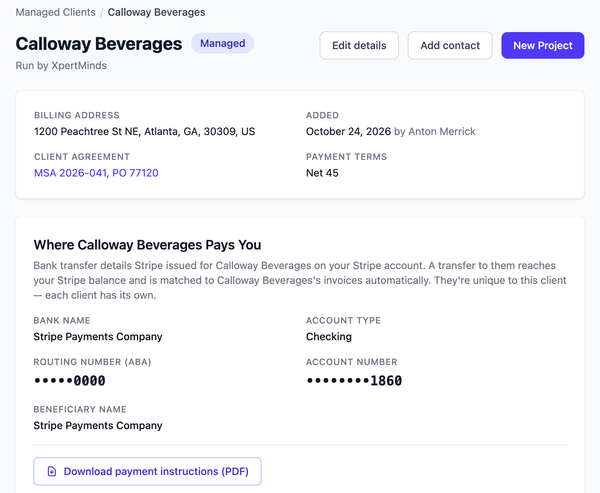
- A firm can name the person running each engagement, shown in the project header.
- Reopening a week for adjustment now hands back a window that is genuinely still open.