Step from one week to the next
A week's page now leads to the ones beside it, so you can check a run of hours without going back to the list.

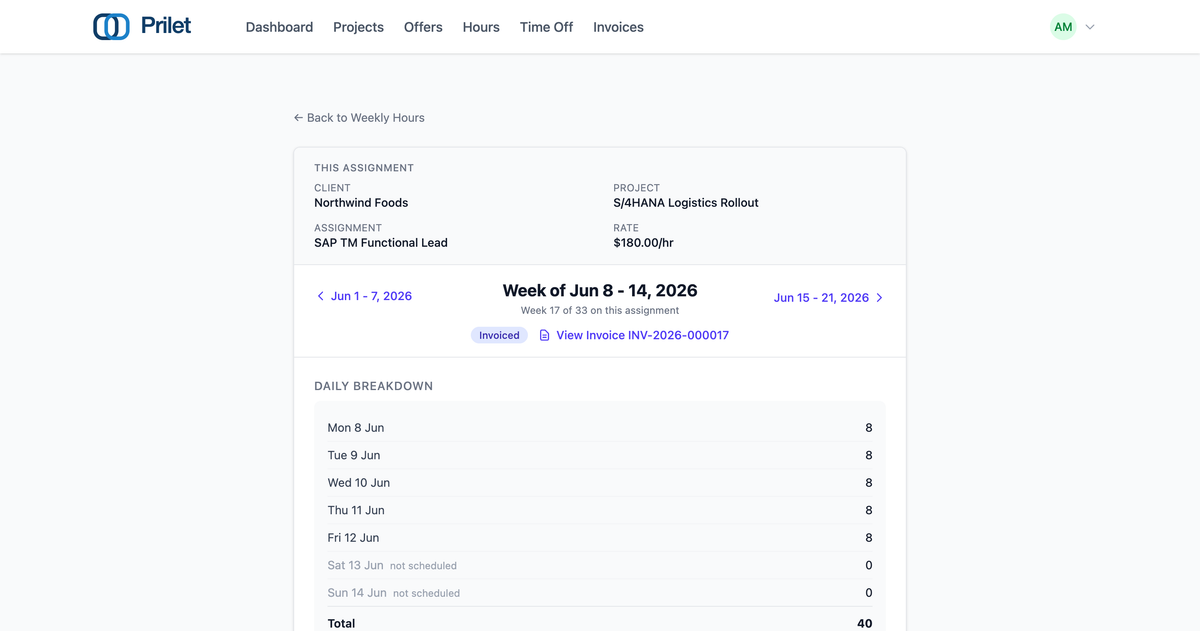
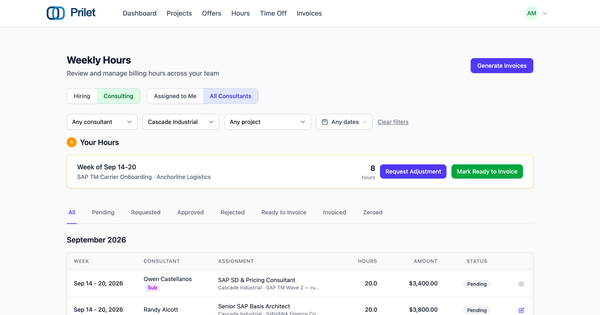
Checking a consultant's hours across six weeks of an engagement used to mean six separate trips: open a week, read it, go back to the list, hunt down the next row among everyone else's weeks, open that — and the list scrolled back to the top every time. It's a small enough friction that people often just didn't bother, even with an invoice that looked off or a client asking a question.
A week's page now carries the weeks on either side of it. Step from one to the next without ever returning to the list. The arrows are labelled with the dates they lead to, so you know where you're headed before you click, and the page tells you where you are in the run — "Week 17 of 33 on this assignment."
The client, project, assignment and rate stay put above you as you move, so it's obvious you're still looking at the same engagement and not someone else's work. The arrows follow the assignment through time regardless of whatever filter got you there in the first place, so an arrow always means the same thing.
It's on the firm's weekly hours, the client's billing hours, and a manager's Team Hours review.